
ComfyStudio Pro adds music video workflow with lyric-synced keyframes and auto-assembly
ComfyStudio Pro, an open-source AI video workstation built on ComfyUI, now ships a guided music video workflow that syncs lyrics to keyframes, generates shots, and assembles them on a timeline for editing.
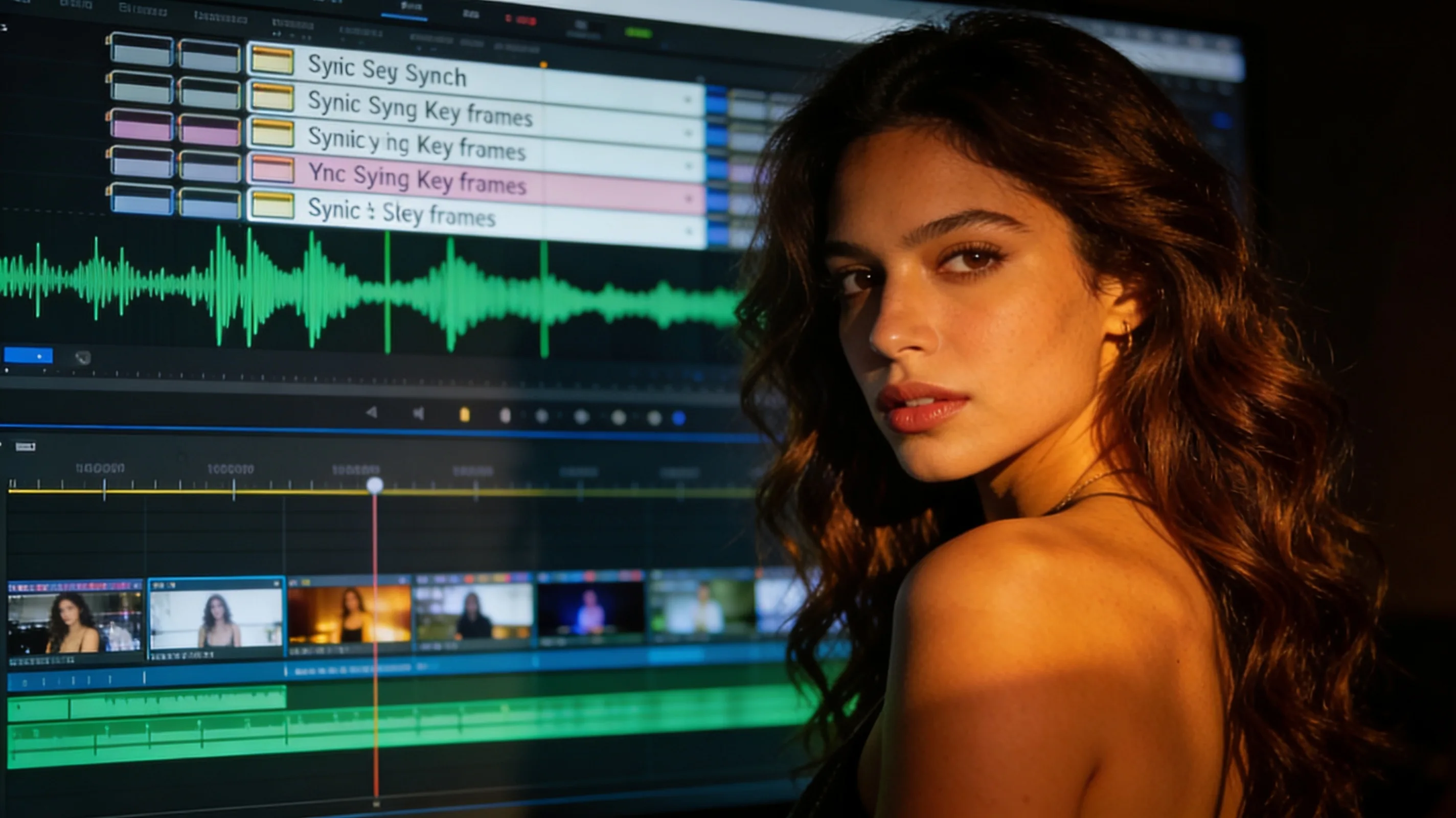
ComfyStudio Pro is an open-source AI video workstation built on ComfyUI that adds a timeline editor, asset panel, effects, transitions, and guided workflows for ads, music videos, and short films. The project launched its music video workflow this week after three to four months of development. Instead of generating random clips and managing loose files, the workflow syncs audio to timed shots, generates video from keyframes, and assembles the edit automatically.
The workflow starts by importing a song or vocal stem into the project assets. Users open the music video creation panel, set aspect ratio, resolution, and frame rate, then load the audio and prepare lyric timing—ideally with SRT or LRC files so shots align with the song structure. Cast or reference images can be added to maintain a consistent singer, band member, or visual style across shots. A director script breaks the song into timed shots, each with its own keyframe. Users generate video from those keyframes, or rerun individual shots with different prompts, models, or settings.
Timeline assembly and finishing
Once shots are generated, the "Assemble Timeline" button builds the edit automatically, placing the song, main sequence, performance passes, and b-roll passes on separate tracks. From there, users trim shots, add effects, transitions, adjustment layers, color grading, and texture overlays before exporting. The goal is to treat the AI-generated clips as raw footage, not finished output—users direct, organize, rerun weak shots, and finish the video inside one application.
ComfyStudio Pro is free and open-source, available at comfystudiopro.com and on GitHub. The developer posted a tutorial video and a finished example demonstrating the workflow in action.