
Four-model ComfyUI workflow chains Chroma1-HD through LTX 2.3 for character video with lip-sync
A new end-to-end ComfyUI workflow stitches together four open-weight models to generate character-consistent images and videos with audio, taking roughly 12 minutes on consumer hardware.
Open-weight video models can now be chained without retraining, relying instead on inference-time composition and face-transfer techniques that preserve identity across modalities.
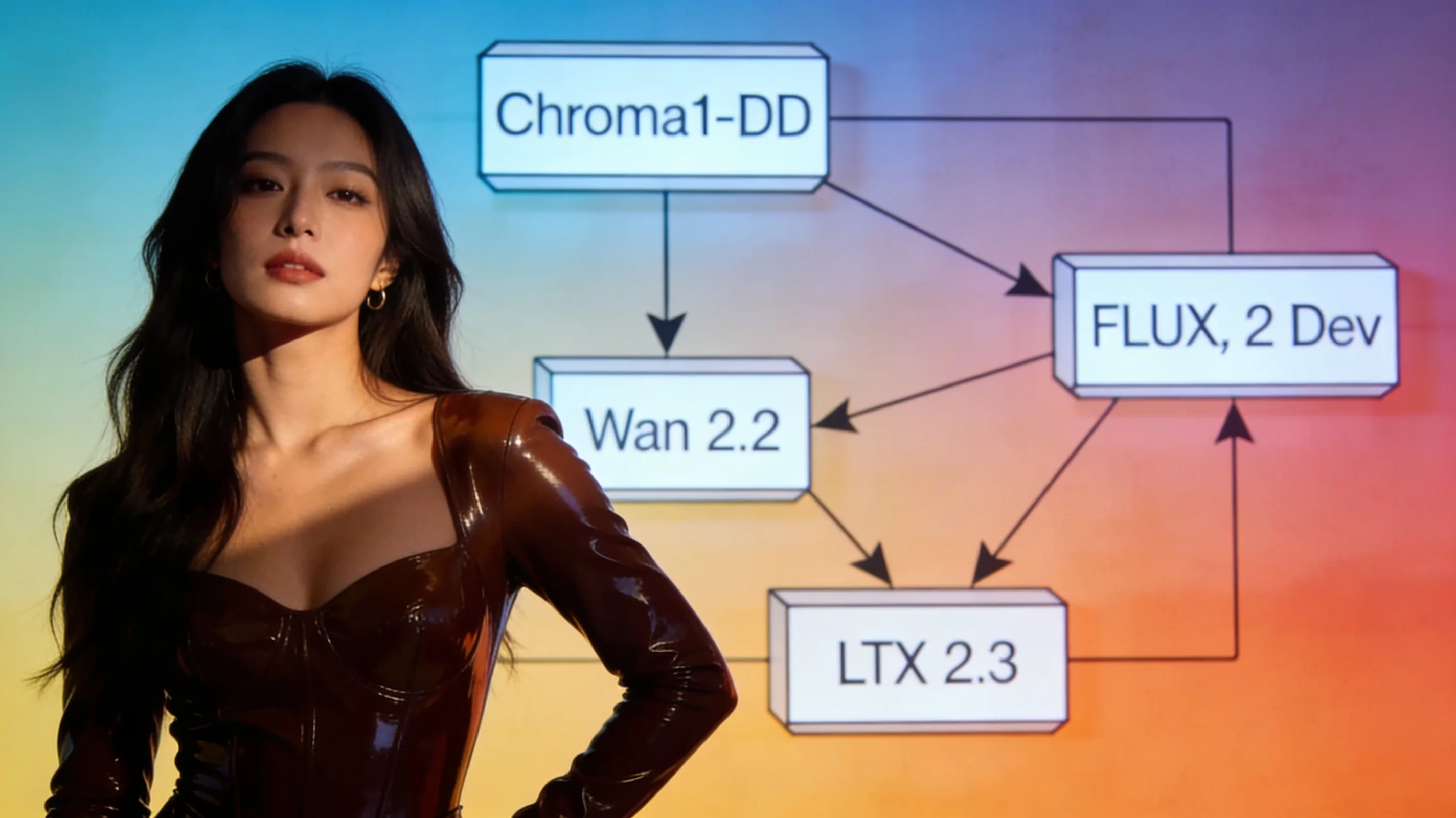
A ComfyUI practitioner this week released a four-stage workflow that takes a single character reference image and audio clip through Chroma1-HD image generation, FLUX.2 Dev face transfer, Wan 2.2 animation, and LTX 2.3 audio-video extension—producing a 12-second lip-synced video with foley in one pass. The workflow, posted to HuggingFace by user ussaaron, runs Chroma1-HD first to generate a base 1080p scene from a text prompt. FLUX.2 Dev then transfers the user's character face into that scene while preserving composition. Wan 2.2 animates the resulting still into a three-second 720p clip, and LTX 2.3 extends it to 12 seconds at 720p with synchronized dialog, lip movement, and sound effects. The default pipeline takes approximately 12 minutes end-to-end and outputs two stills plus two videos.
Chroma1-HD handles the initial image generation, described by the workflow author as "arguably the best fully flexible open-source image model." FLUX.2 Dev is used for character transfer, positioned as "the best character transfer open-source image model." Wan 2.2 provides the animation stage, while LTX 2.3 handles the final audio-video synthesis with lip-sync and foley. All four models run locally in ComfyUI and require no API calls, making the workflow accessible to anyone with sufficient VRAM to load the models sequentially.
A second workflow from user SlopDemon, shared the same day, focuses solely on LTX 2.3 video generation with NSFW LoRA support. That workflow includes model links, VAE references, LoRA strength presets, and prompting tips specific to LTX 2.3.