
Load CLIP FP8 custom node cuts text encoder VRAM use 50%, speeds dual-CLIP workflows 65%
A new ComfyUI custom node keeps text encoders in FP8 precision instead of upcasting to FP16, cutting VRAM use from 16GB to 7.5GB and dropping encode times from 30 seconds to under one second on 16GB cards.
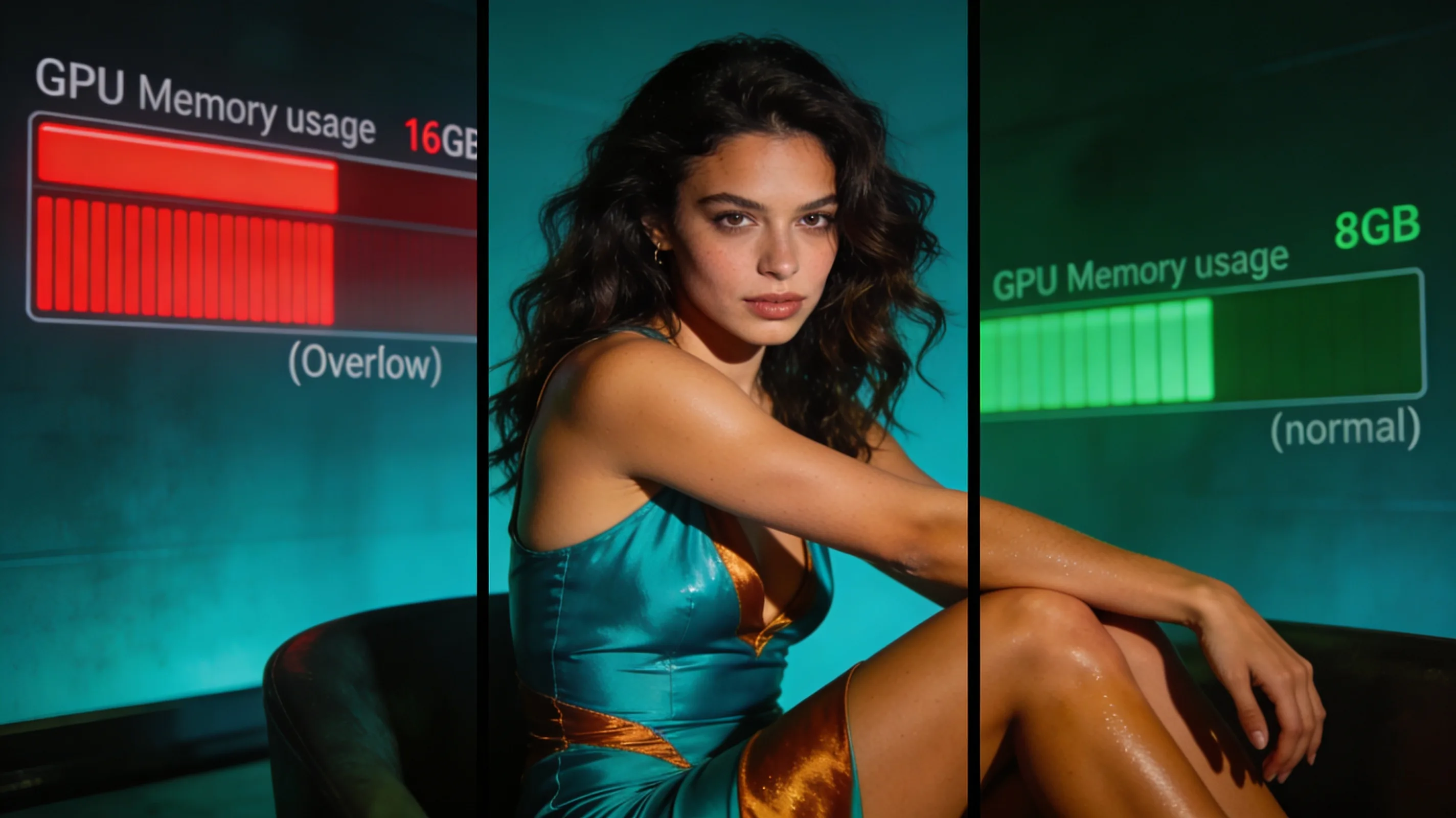
"The node upcasts tensors on demand during execution rather than in bulk at load, avoiding the far larger penalty of paging to system RAM," a ComfyUI developer explained after building a Load CLIP FP8 custom node that keeps text encoders in FP8 precision during inference instead of automatically upcasting them to FP16 or BF16 at load time.
On a 16GB AMD Radeon RX 7900 XT, the Qwen3 8B FP8 text encoder now consumes roughly 7.5GB of VRAM instead of overflowing the card at 15–16GB. That shift keeps the model entirely in GPU memory, dropping prompt encoding time from 20–30 seconds to under one second. Early testing shows no quality loss compared to ComfyUI's default FP16 path, despite the minor runtime overhead of on-demand upcasting.
Combined with a pending ROCm implementation of Sage Attention v2, the developer reports dramatic speed gains on a high/low-pass FLUX 2 Klein Base 9B workflow that runs dual CLIP encoders, dual samplers, and dual VAE encoders:
| Configuration | Execution time |
|---|---|
| Stock CLIP + Sage Attention v1 | ~280 seconds |
| Stock CLIP + Sage Attention v2 | ~180 seconds |
| FP8 CLIP + Sage Attention v2 | ~100 seconds |
The node requires FP8 support in PyTorch, which may not be available on all hardware configurations. The developer plans to publish the custom node after further testing to confirm reliability and rule out quality regressions.