
ComfyUI-Olm-Liquify adds real-time Photoshop-style warping to node workflows
A new custom node embeds an interactive liquify editor with push, pull, twirl, and pinch brushes directly into ComfyUI, complete with hotkey controls and reusable warp field exports.
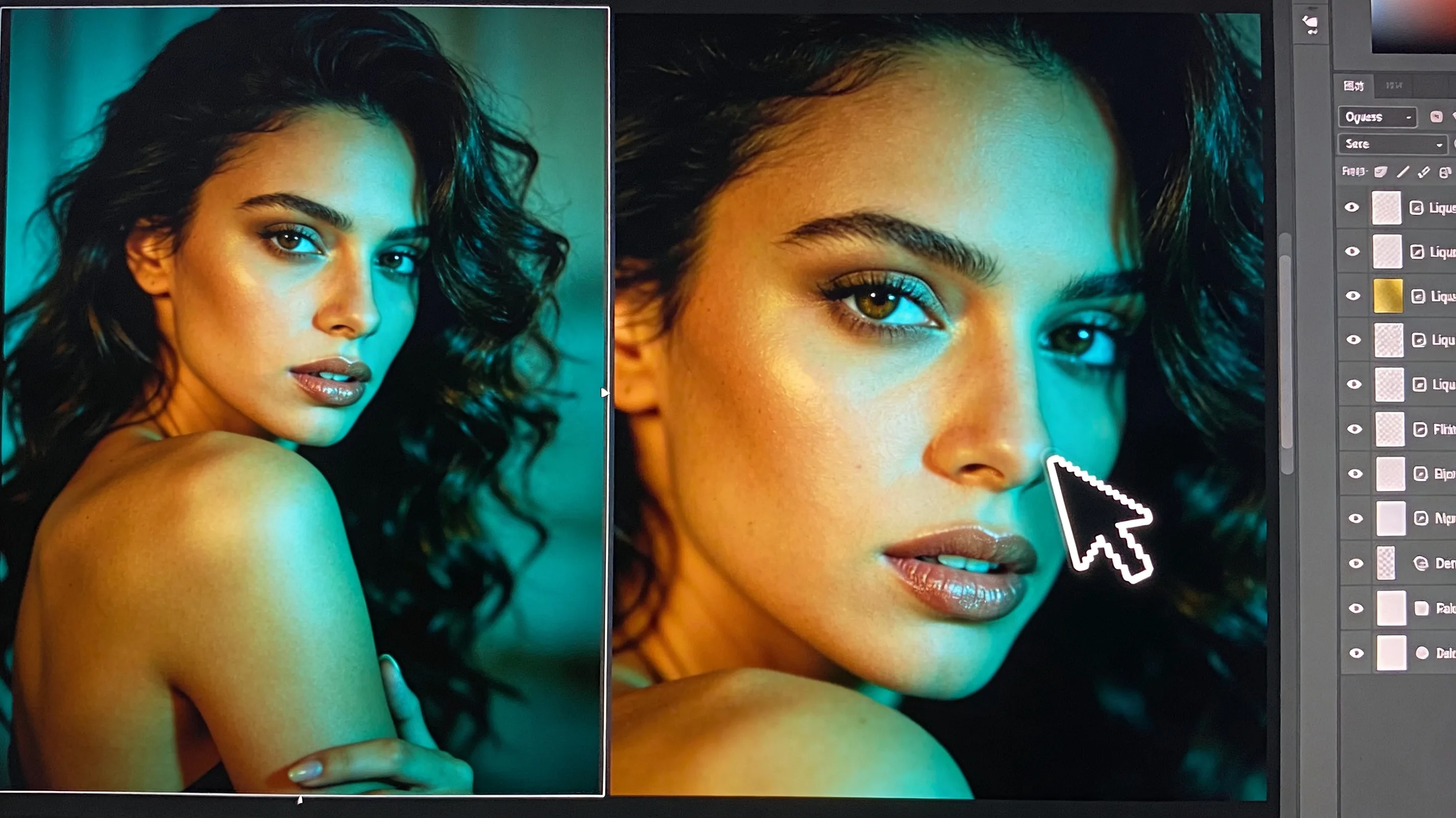
ComfyUI-Olm-Liquify, a custom node from developer o-l-l-i, brings an interactive Photoshop-style liquify editor directly into ComfyUI workflows. Released this week, the node lets users warp still images in real time without leaving the canvas or reaching for external commercial tools.
The editor ships six brush modes—Push, Pull, Twirl, Pinch, Expand, and Smooth—each mapped to number keys 1 through 6. Users adjust brush radius with the mouse wheel, strength with shift + wheel, and can hold S to temporarily activate the Smooth tool. Ctrl/Cmd + Z handles undo. Grid and mesh overlays track deformation in real time, with adjustable color and opacity.
What stands out
- 01Six interactive brush modes — Push, Pull, Twirl, Pinch, Expand, and Smooth operate in real time on the ComfyUI canvas. Hotkeys control tool selection, radius, and strength without touching menus.
- 02Warp field export and reuse — Users can save warp transformations to files and reload them later, making it possible to apply the same distortion to multiple images or integrate warps into larger workflows.
- 03Minimal dependency footprint — The node requires torch, numpy, and opencv-python. OpenCV may be the only new install for some ComfyUI setups; most dependencies are already present in standard configurations.
- 04Native theme integration — The editor inherits ComfyUI's built-in themes, so it blends seamlessly with existing workspace styling.
- 05Still images only — Batch and video support are not yet implemented. The node processes one frame at a time.