

A LoRA is a tiny adapter file — usually 5–250 MB — that bolts a new style, character, concept, or motion onto a much larger base model. You don't replace the base; you patch it on top with a strength dial. This guide walks through real LoRAs from the UncensoredHub catalog and how to wire them up in ComfyUI.
What you'll accomplish
Answer capsule: By the end of this guide, you'll know how to pick, load, and stack image and video LoRAs in ComfyUI, and which base model each LoRA family is trained against.
Estimated time: 20 minutes to read; 5 minutes per LoRA to try one yourself.
Difficulty: beginner-friendly, with one intermediate "stacking" section.
What is a LoRA, exactly?
Answer capsule: LoRA (Low-Rank Adaptation) is a fine-tuning method that injects two small trainable matrices into a frozen base model so you can teach it a new concept without retraining the whole network.
LoRA was introduced in a 2021 Microsoft Research paper (arXiv 2106.09685). The base model's weights are frozen. Training learns a pair of low-rank matrices A and B whose product is added to the original weights at inference. Two hyperparameters control the update: rank (how expressive the adapter is) and alpha (how strongly it contributes — the effective update is scaled by alpha / rank).
The practical consequence: a fine-tune that would have produced a multi-gigabyte checkpoint with DreamBooth produces a 5–250 MB file with LoRA, and the training run is dramatically faster. That is why every catalog LoRA on UncensoredHub is small, swappable, and built to layer on top of a much larger base.
A LoRA is bound to the base it was trained against. A LoRA trained on Pony Diffusion V6 expects Pony's weight space; if you run it on Illustrious XL, the patched values land in a different absolute range and the picture either flattens or breaks. Always check the base before downloading.
What kinds of LoRAs exist?
Answer capsule: There are four practical categories — style, character, concept, and motion (video) — split across image bases (SDXL / Pony / Illustrious / Flux / Flux 2 Klein) and video bases (Wan 2.2 / HunyuanVideo / LTX-Video).
| Type | What it does | Where it shines | Typical strength |
|---|---|---|---|
| Style LoRA | Pushes the whole image toward a visual register | SDXL, Pony, Illustrious, Flux | 0.6 – 1.0 |
| Character LoRA | Teaches a specific recurring character archetype | Pony, Illustrious anime; Flux photoreal | 0.7 – 1.0 |
| Concept / scene LoRA | Adds an object, pose, or composition the base never saw | Flux 2 Klein in particular | 0.8 – 1.2 |
| Motion / scene LoRA (video) | Teaches a video model a camera move or action | Wan 2.2, HunyuanVideo, LTX-Video | 0.5 – 1.0 |
The UncensoredHub catalog at /models/lora currently focuses on the two newest categories — concept LoRAs on Flux 2 Klein 9B and motion LoRAs on Wan 2.2.
Concept LoRAs on Flux 2 Klein 9B
Flux 2 Klein 9B is Black Forest Labs' compact Flux 2 variant. It's a text-to-image base, so a concept LoRA on Klein has no image input — it just changes what the base can draw from a prompt. Four examples from the catalog:

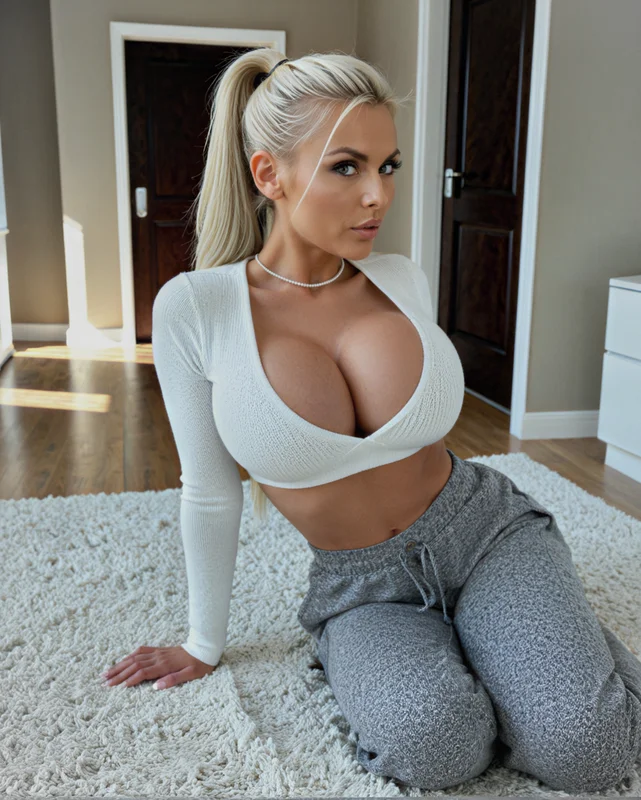

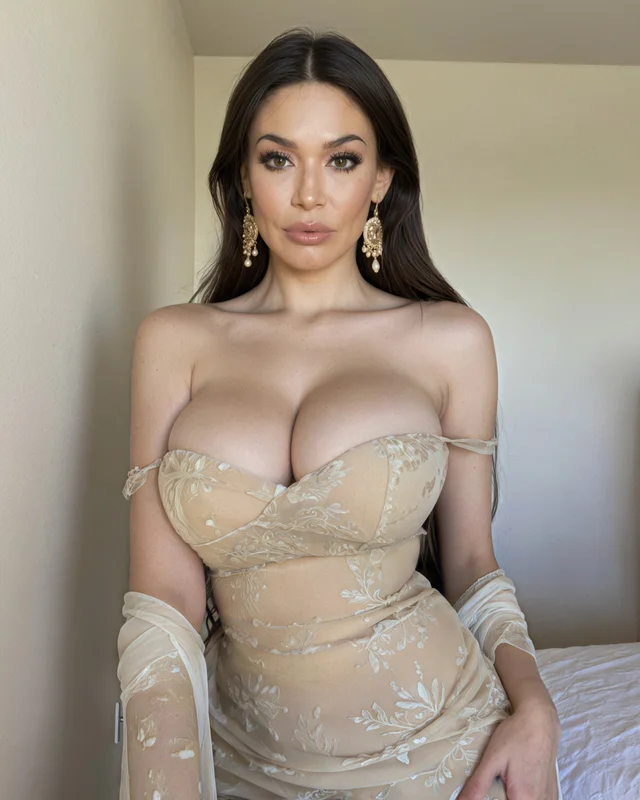
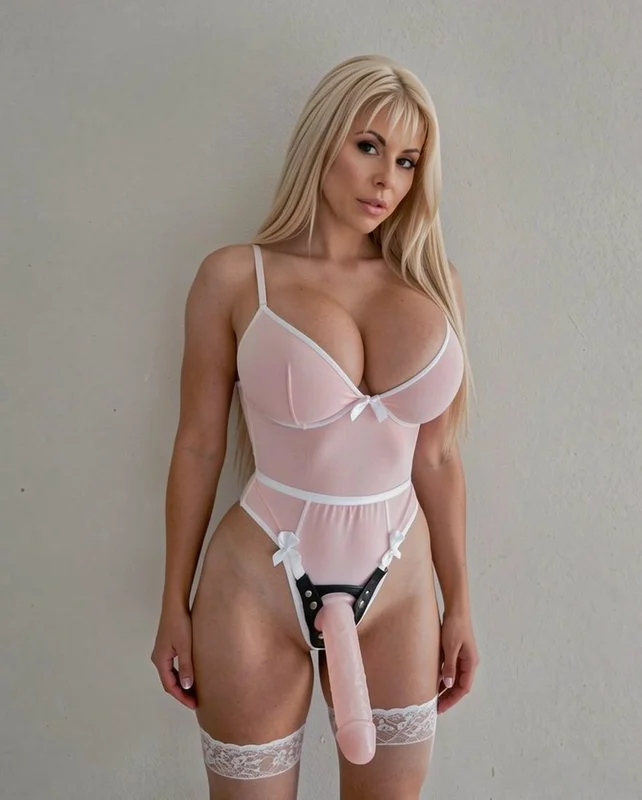
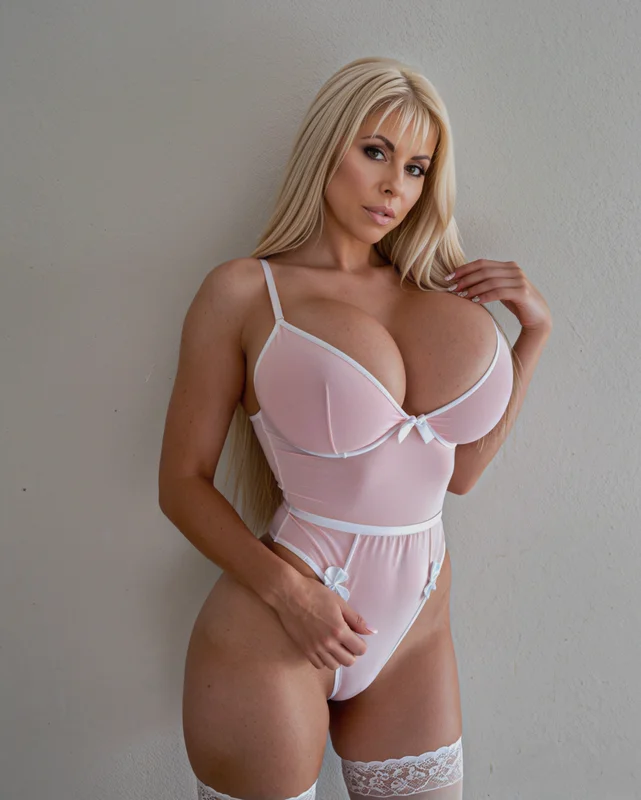
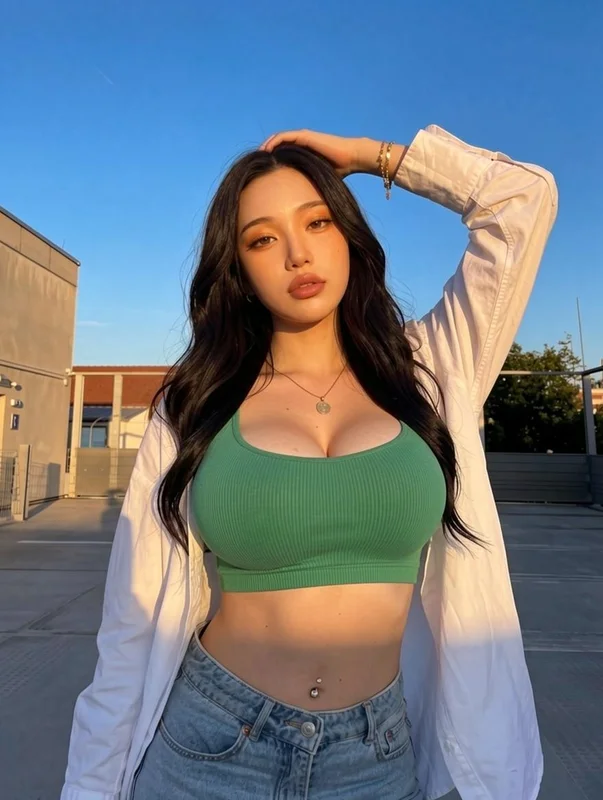
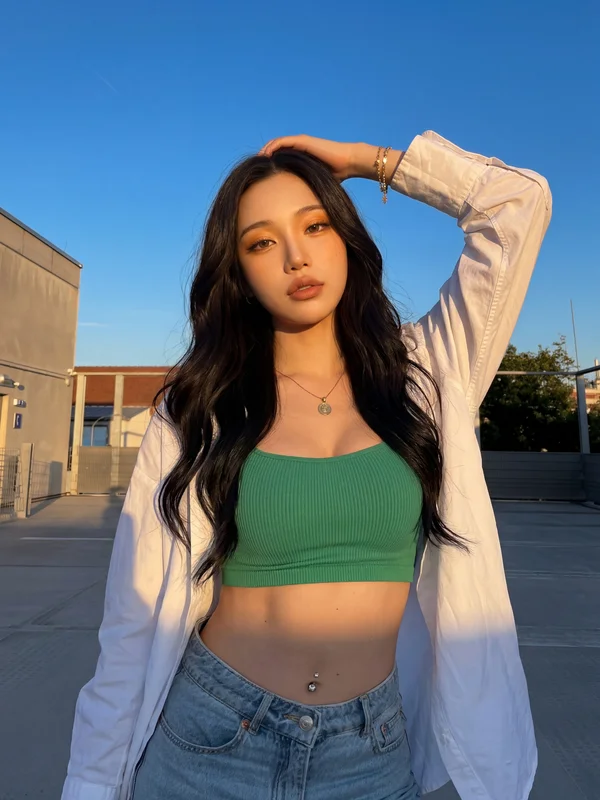
Every Flux Klein concept LoRA in the catalog follows the same shape: a single .safetensors file, ~30–80 MB, that adds one specific composition to the base's vocabulary. Stack two or three of them at 0.8–1.0 each and Klein learns the combined concept space for one render.
Motion LoRAs on Wan 2.2
Wan 2.2 is a 14B-parameter open-weights video base (a smaller 5B variant exists). It accepts an image-to-video flow: you feed it a start frame, the base generates motion, and the LoRA shapes what motion happens. Four examples:
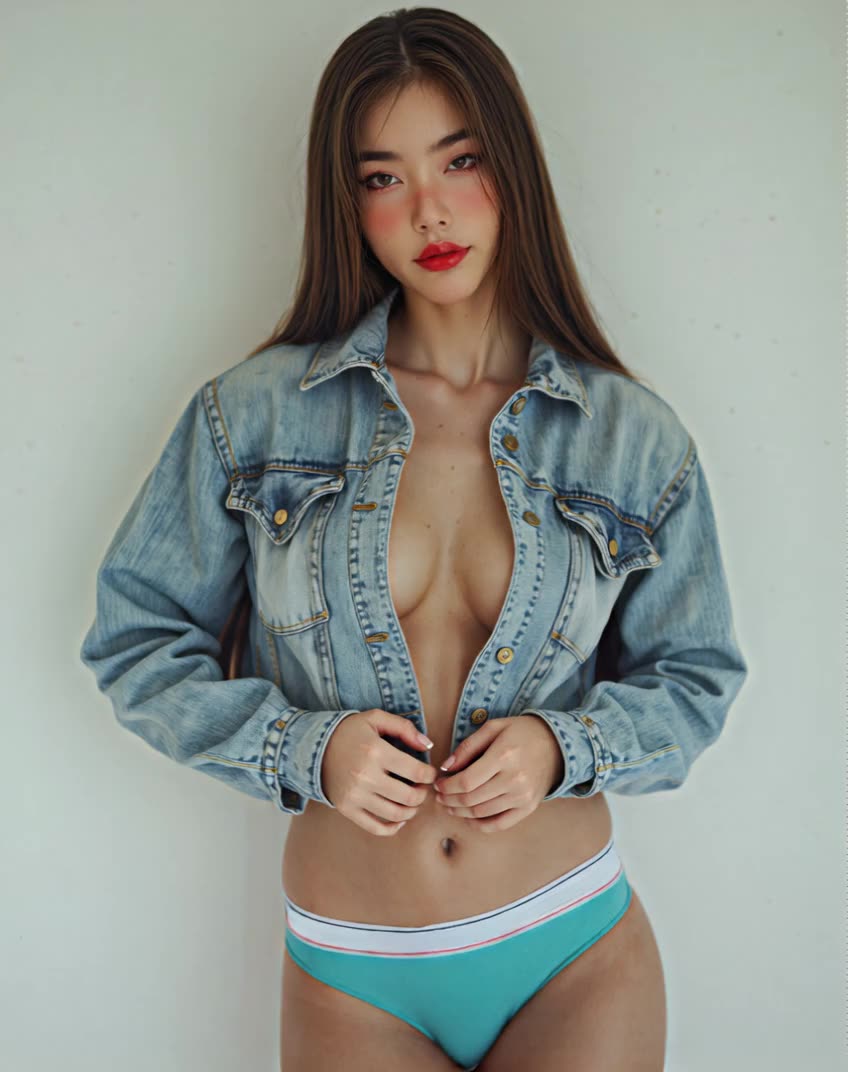
Same base, different LoRA → completely different motion signature. The LoRA file is what carries the scene-specific knowledge; swap the file, the trained motion changes.
Prerequisites
A working local or cloud ComfyUI install. If you don't have one, read What is ComfyUI? first.
Hardware:
- Image LoRAs on SDXL / Pony / Illustrious: 8 GB VRAM minimum, 12 GB comfortable.
- Image LoRAs on Flux dev / schnell / Flux 2 Klein 9B: 12 GB minimum with FP8, 16–24 GB comfortable.
- Video LoRAs on Wan 2.2 14B: 24 GB at full precision, 12–16 GB with GGUF Q4 quantization. The Wan 2.2 5B variant runs comfortably on 12 GB.
- Video LoRAs on HunyuanVideo: 24 GB at full precision, 12–16 GB with GGUF Q4.
Software:
- ComfyUI updated to a recent build (LoRA loader nodes are part of core).
- The base model checkpoint you intend to patch (e.g.
flux2-klein-9b.safetensors,wan2.2-14b-i2v.safetensors). - The LoRA itself, a single
.safetensorsfile placed inComfyUI/models/loras/.
Step 1 — Pick the right base model
Answer capsule: A LoRA only works correctly on the exact base it was trained against — Pony LoRAs go on Pony, Illustrious LoRAs go on Illustrious, Flux Klein LoRAs go on Flux 2 Klein, Wan 2.2 LoRAs go on Wan 2.2.
Open the LoRA's source page (Civitai card, HuggingFace card, or our /models/lora catalog) and read the Base Model field. The families you'll meet most often:
- SDXL — the foundation. Many style LoRAs still ship as plain SDXL.
- Pony Diffusion V6 XL — heavily fine-tuned SDXL with score-tag prompting. Read the Pony V6 explainer. Pony LoRAs use
score_9, score_8_uptags. - Illustrious XL — newer SDXL-derived anime base. Read the Illustrious explainer. Uses raw Danbooru tags.
- Flux dev / schnell — different architecture from SDXL; uses natural-language prompts. Flux LoRAs are not interchangeable with any SDXL-family LoRA.
- Flux 2 Klein 9B — compact Flux 2 variant, new in 2026, incompatible with Flux 1 LoRAs. UncensoredHub's
flux_klein--*catalog is trained against this base. - Wan 2.2 — 14B (or 5B) open-weights video base. UncensoredHub's
wan_2_2--*catalog targets the 14B i2v workflow.
A fine-tune of a fine-tune still counts as the same family. A LoRA trained on Pony V6 will also work on Pony derivatives like Cyberrealistic Pony or Pony Realism. The same LoRA on Hassaku XL Illustrious — a different family — will not work properly.
Step 2 — Load the LoRA and set its strength
Answer capsule: Connect a Load LoRA node between the checkpoint and the prompt encoders, set strength_model to 0.7–0.9 as a starting point, and adjust by eye.
`` Load Checkpoint → Load LoRA → CLIP Text Encode (positive) → CLIP Text Encode (negative) → KSampler → VAE Decode → Save Image ``
Drop a Load LoRA node between Load Checkpoint and the CLIP encoders. Point its lora_name field at the file in ComfyUI/models/loras/. Two strength sliders matter:
strength_model— how strongly the LoRA modifies the U-Net (image content). Start at 0.8.strength_clip— how strongly the LoRA modifies the text encoder. Usually equal tostrength_model, sometimes 0.1–0.2 lower.
Strength conventions in practice:
- 0.0 – 0.4 — barely visible. Subtle tint toward a register.
- 0.5 – 0.7 — present but the base still dominates.
- 0.8 – 1.0 — trained signal fully on. Most catalog LoRAs target this range.
- 1.0 – 1.4 — overdrive. Detail collapses, anatomy warps.
If output looks "fried" — over-saturated, posterized — drop strength by 0.1 and re-render.
Step 3 — Stack LoRAs without breaking the image
Answer capsule: Chain Load LoRA nodes in series, sum the absolute strengths, and keep that sum below ~1.5 unless you've tested the combination.
`` Load Checkpoint → Load LoRA (style, 0.7) → Load LoRA (concept, 0.6) → Load LoRA (detail, 0.4) → CLIP Encoders + KSampler ``
Three rules keep stacks from collapsing:
- 01Sum the absolute strengths. Total above ~1.5 typically over-saturates the U-Net. Cut every individual LoRA proportionally.
- 02Style LoRAs are zero-sum with each other. Two style LoRAs at 0.8 each don't combine — they fight. Pick one style LoRA per render.
- 03Order matters slightly. The math is commutative in serial chains, but each LoRA's CLIP encoding sees a different intermediate prompt embedding. If something looks off, try reordering.
A LoRA trained on a different base than your checkpoint can sometimes be coerced to work at very low strength (0.2–0.4). Treat that as a hack, not a workflow.
Step 4 — Wire a video LoRA
Answer capsule: Wan 2.2 and HunyuanVideo accept the same Load LoRA node — the only differences are file size, VRAM ceiling, resolution caps, and a narrower strength range.
Wan 2.2 and HunyuanVideo expose the standard ComfyUI LoRA loader. The patching is identical to image LoRAs — only the U-Net is bigger because video bases are 14B parameters (or 5B for Wan 2.2's smaller variant) vs SDXL's 2.6B.
Practical differences:
- Strength range is narrower. 0.5 – 0.8 is the sweet spot. Over 0.9, frames start jittering because the LoRA dominates motion priors.
- Frame count matters. A motion LoRA trained on 81-frame clips behaves correctly when you render 81 frames. Render 41 frames and you'll see half the trained motion.
- Resolution caps. Wan 2.2 14B's clean range is 480×832 or 720×1280 at 24 fps.
- Input frame matters. Wan 2.2 i2v is sensitive to the start image. A bad framing on the input flattens the trained motion.
Full Wan 2.2 workflow is documented separately at Wan 2.2 ComfyUI Workflow Guide.
Common mistakes
Loading a Pony LoRA on Illustrious (or vice versa)
Both are SDXL-derived, but their internal weight ranges diverge enough that LoRAs cross-paste poorly. Same family rule: Pony → Pony derivatives, Illustrious → Illustrious derivatives.
Loading a Flux 1 LoRA on Flux 2 Klein 9B
Different architecture generation entirely. Flux 1 dev / schnell LoRAs do not patch Flux 2 Klein cleanly. Match exactly: "Base Model: FLUX.1" vs "Base Model: FLUX.2 Klein".
Using `score_9` tags on Illustrious
Score-tag prompting is Pony-only. Illustrious uses raw Danbooru tags. If your Illustrious render looks washed-out, check for a copy-pasted Pony positive prompt.
Strength 1.0 because "that's what the card said"
Most LoRA cards on Civitai list 1.0 as the demo strength — the upper end of the tested range, not the recommended default. Start at 0.7 and walk up.
Stacking five LoRAs at 1.0 each
Combined strength of 5.0 is a guaranteed fried image. Sum your strengths and stay under ~1.5 the first few renders.
Celebrity / real-person LoRAs
Skip them. UncensoredHub does not catalog face-swap or identifiable-real-person LoRAs by policy, and the Mastercard adult-content rules require written consent from every depicted person for AI-generated content. Use character archetype LoRAs instead.
Next steps
- Browse the full LoRA catalog at /models/lora.
- Read the Pony Diffusion V6 XL primer before stacking Pony LoRAs.
- Read the Illustrious XL primer before stacking Illustrious LoRAs.
- Check Cyberrealistic Pony and Hassaku XL Illustrious for two of the most LoRA-friendly fine-tunes.
- For video, work through the Wan 2.2 ComfyUI Workflow Guide end-to-end before loading any video LoRA.


